AvailableCCS2 · Example port
For businessMake your station
Make your station
part of the plan.
Bring your charging stations into Chargespot with ChargeID. Give drivers the details they need to choose your stop, before they reach it.
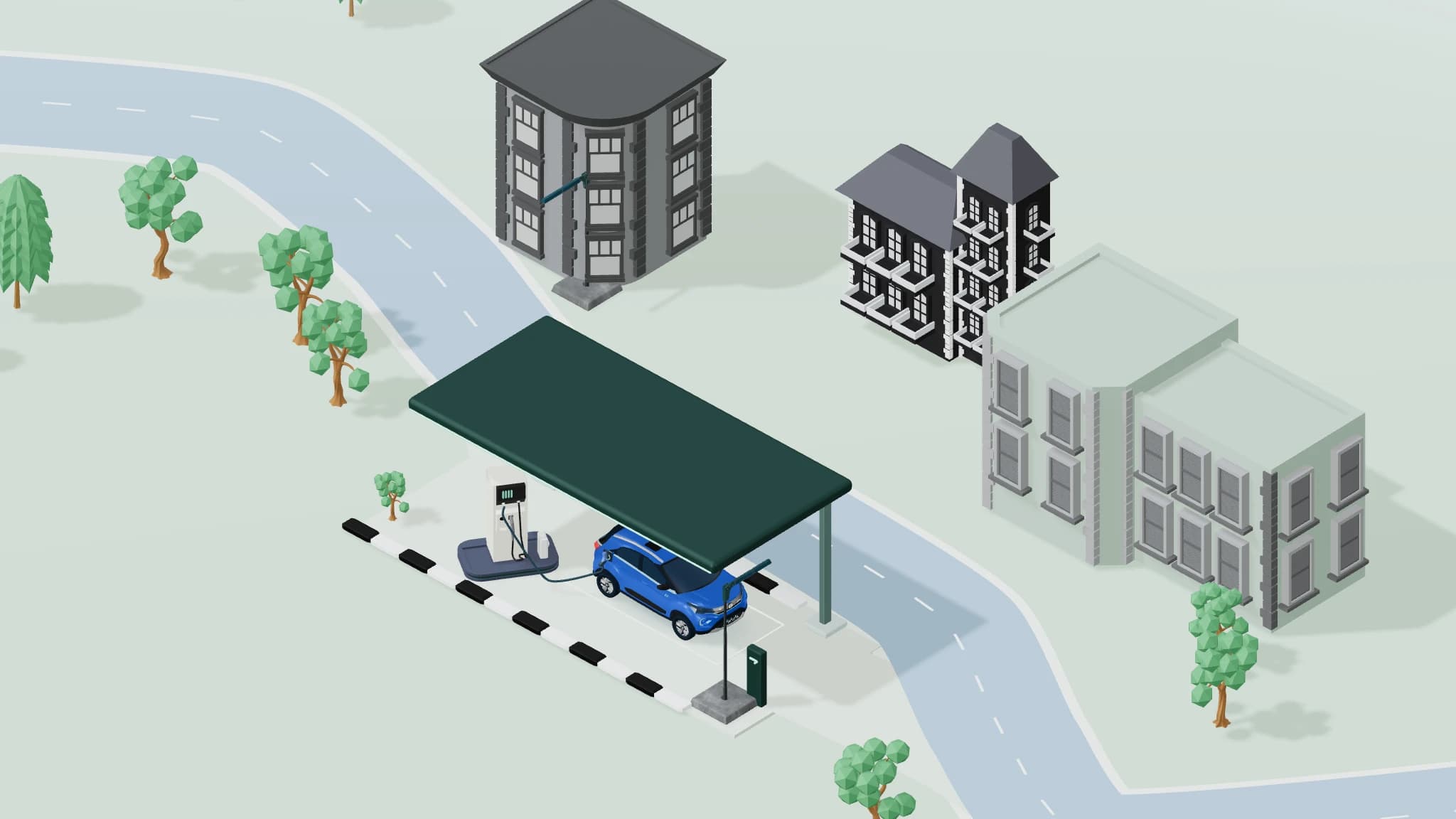
A city stop.A longer journey.
A place to charge.
A reason to stop.
A compatible plug is the beginning. An entrance that’s easy to find, a clear tariff and a place to take a break make the picture complete.
ChargeIDInteractive example
Build a better station card.
Choose the details to share. See what changes for the person driving.
Details included1 of 4
Example charging station
Roadside charging hub
Your network · Highway stop
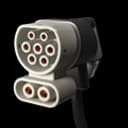
CCS2Up to 120 kW
Station detailsOpen 24 hours · Service-road entrance
Amenities not supplied
Charging tariff not supplied
Live availability not connected
Operator-provided details and network feeds stay distinct.
Illustrative station and map. These controls change the preview only.
Show what’s happening.
At every port.
A station’s address changes rarely. Its availability changes throughout the day. Bring port status into the picture, with the update time that gives it context.
ChargeID / Station overviewInteractive example
Roadside charging hub
Station status at a glance.
ChargingCCS2 · Example port
AvailableCCS2 · Example port
Not reportedCCS2 · Example port
Two ports reported available.
Updated 30 seconds agoIllustrative feed, not live station dataShow the update time alongside availability, so drivers can judge the information before setting off.
You know the site.Confirm access, facilities and station details in ChargeID.
Your feed reports the status.Connected network updates show changing port availability.
Before they arrive.
Until they’re on their way.
Give drivers useful information at each step, with charging and payment options supported by your network.
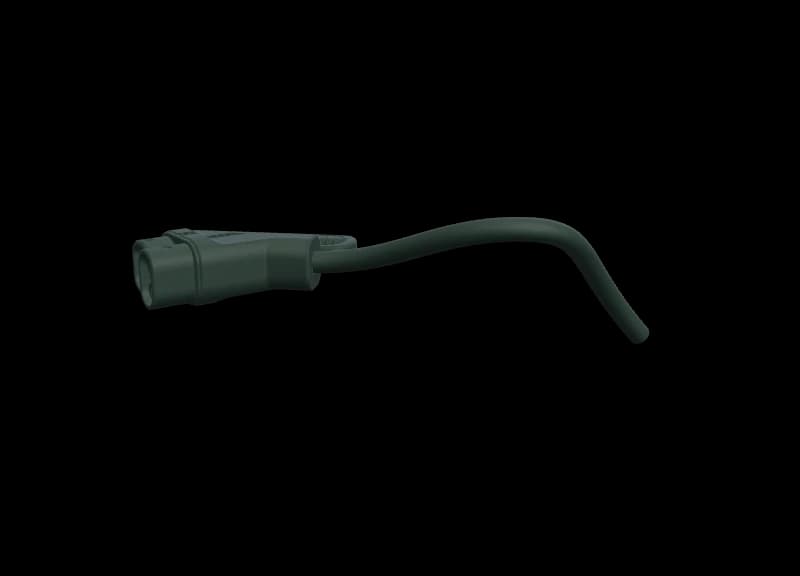
Let the details do the talking.
Show connector type, power and location together. Drivers can understand how your station fits their vehicle and the journey ahead.
- Connector type
- Charging power
- Station location
A stop worth considering.
Know your stations.
Beyond the map.
Station activity, session outcomes and the issues drivers report, in your network’s own view in ChargeID.
Station activityIllustrative records
Follow recorded charging sessions and their outcomes. Start with a station, then look at the activity behind it.
| Station | Session outcome | Detail |
|---|---|---|
| City hub | Completed | Session record |
| Highway stop | In progress | Charging activity |
| City hub | Interrupted | Review outcome |
ChargeIDBring your network
Bring your network
into the journey.
Start with the stations you operate. We’ll help connect ownership, station information and the integration your network needs.
- Confirm your network.Our team verifies ownership and arranges operator access.
- Make the details yours.Review locations, connectors, access and amenities.
- Connect the changing information.Review live feeds, charging and payment support for your setup.
Introduce your network.
Choose your network, or enter its name if it isn’t listed.
Opens an email draft for you to review and send. Your entries stay in this page until you choose to open the draft.